Skoda Karoq dashboard symbols tell us when a vehicle system needs attention, a safety feature is intervening or an everyday function is switched on. The important clues are the symbol, its colour, whether it flashes and the message accompanying it. A red oil warning requires a very different response from an amber oil-level message or a green Auto Hold indicator.
In this illustrated guide, we explain common Karoq warning lights and what to do when they appear. We cover petrol and diesel engine warnings, DSG transmission messages, brakes, tyre pressure, driver assistance and normal lighting indicators. We also explain why resetting a warning without correcting its cause is rarely the right solution.
Coverage: common functions described in the Škoda Karoq November 2020 English owner’s manual and Škoda’s warning-light guidance. Equipment, messages and graphics vary with production date, market and instrument cluster. Diesel-only and optional features are identified below. Illustrations are representative standard and manufacturer symbols, not exact reproductions of every Karoq display. Always match the complete message to the handbook for your vehicle.
Identify the warning immediately; stop safely for oil pressure, overheating or serious brake faults.
Yellow or amber
Fault, operating limitation or attention required
Read the message and arrange the appropriate check.
Green
A function is active or ready
Confirm which function is operating.
Blue
High-beam headlamps
Dip the lights when necessary.
White or grey
Information, availability or system status
Read the associated text or display state.
Flashing
Intervention, a fault or a changing condition
Use the instructions for that specific symbol.
These are useful patterns rather than universal rules. A red belt reminder asks us to buckle up, while a red oil-pressure warning means we must protect the engine by stopping it. Some displays combine a monochrome symbol with a separate warning indicator, making the text especially important.
Why several lights appear before the engine starts
When we switch on the ignition, several warning lights illuminate for a self-check. Some go out after a short time, while others remain until the engine starts. A parking-brake indicator can stay on because the brake is still applied. This normal sequence does not mean the Karoq has multiple faults.
A light that stays on unexpectedly, fails its normal check or appears during driving deserves attention. Note the message before switching anything off. Once parked safely, a photograph of the display can help a workshop understand the warning without relying on an incomplete description such as “a yellow engine thing”.
Engine oil, coolant and charging warnings
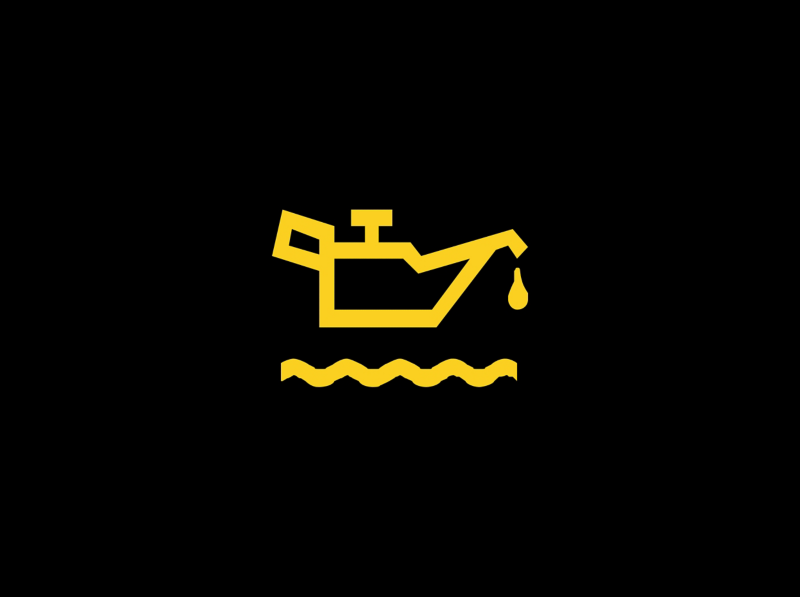
Red engine oil pressure warning
Oil can — stop safely and switch off the engine.A red oil-pressure warning means lubrication pressure may be too low. It is not a service reminder and does not merely tell us that an oil change is due. Continuing to run the engine can cause serious damage.Stop safely and switch off. Check the oil level using the handbook procedure when safe, but remember that a correct level does not prove the pressure is adequate. If the warning remains unresolved, obtain assistance rather than driving on or leaving the engine idling.
Amber engine oil level warning
Oil-level indication — read the accompanying message.An amber oil warning can concern insufficient oil, excessive oil or a level-sensor problem. The message determines the action. Do not automatically add oil just because an oil-can graphic appears; overfilling can also create problems.Park on level ground and check the level as instructed. Add only an approved oil when the level is actually low, and avoid exceeding the maximum mark. A high-level or sensor message needs the appropriate inspection rather than repeated topping up or an oil-service reset.
Coolant temperature or coolant level warning
Thermometer and waves — cooling-system attention required.This warning can indicate excessive coolant temperature or an insufficient coolant level. Stop safely, switch off the engine and allow it to cool. Steam, a rising temperature reading or a stop instruction makes immediate action particularly important.Never open a hot, pressurised coolant reservoir. Check the level only when safe and follow the handbook’s restrictions. If the reservoir is empty, do not simply refill it and continue driving: the covered manual requires professional assistance. Persistent warnings need diagnosis even when the visible level appears normal.
Battery charging warning
Battery symbol — the charging system may not be working.A charging warning while the engine is running concerns the electrical charging system. It does not automatically mean the battery itself must be replaced. Wiring, the alternator or another charging component may be responsible.Read the message, reduce unnecessary electrical loads and seek prompt help. The car may keep running briefly on stored energy, but that is not proof it is safe to complete a long journey. Stop safely if instructed or if other urgent warnings appear. Keep hands away from moving engine components.
Brakes, steering and occupant-safety symbols
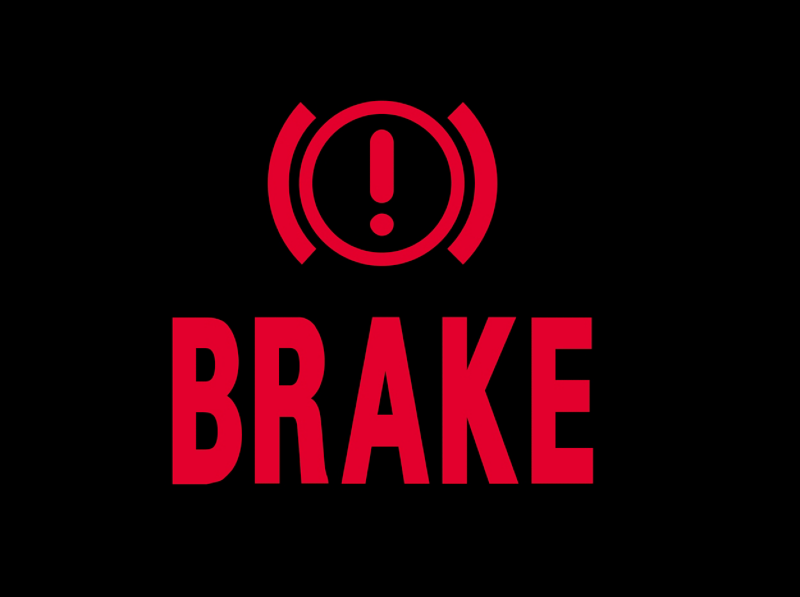
Brake system warning
Red brake warning — stop safely if it indicates a fault.On the Karoq, a brake-system warning can indicate insufficient brake fluid. When it appears together with ABS, there may be a combined braking-system problem. This requires a different response from a normal parking-brake status light.Stop driving safely and obtain assistance for low-fluid or combined brake-system warnings. Do not treat adding fluid as a repair. A leak or another fault may affect braking, and the covered handbook directs us to a specialist if the level is below the marked minimum.
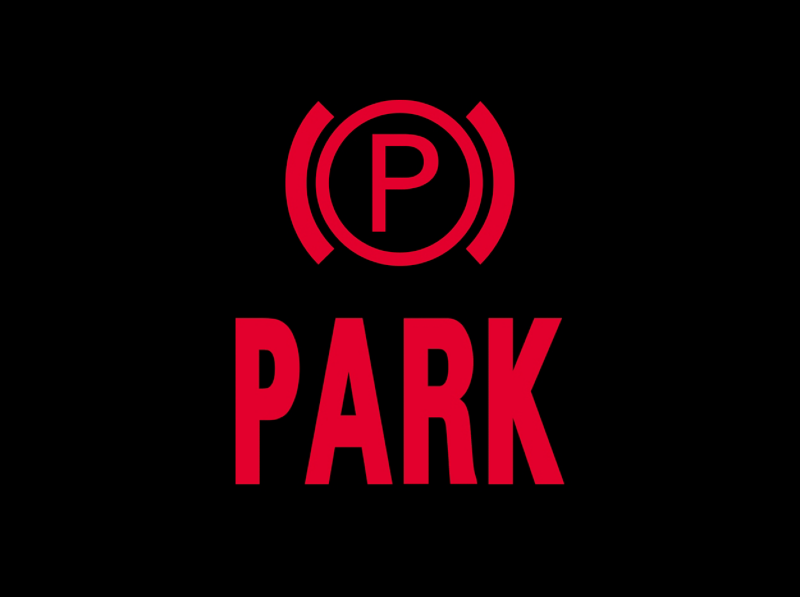
Electronic parking brake indicator
P in a circle — parking-brake status.A parking-brake indicator normally confirms that the electronic parking brake is applied. Check its state before setting off and follow the release procedure for the car. A message about excessive parking gradient means we should choose a safer, less steep location.If the display reports a parking-brake fault, arrange inspection. Do not confuse a confirmed applied brake with a malfunction or assume the vehicle is secured if a fault prevents engagement. Keep the footbrake applied while assessing the message and secure the car appropriately.
ABS warning
ABS — anti-lock braking malfunction.An ABS warning indicates that the anti-lock braking system has detected a fault. Ordinary braking may remain when this is the only braking warning, but anti-lock assistance may not operate during hard braking. Allow extra space and arrange prompt inspection.If the red brake warning also appears, stop safely and seek assistance. The same applies if braking feels abnormal or the pedal response changes. A comfortable low-speed test does not establish that the system will work correctly in an emergency.
Power steering or steering-lock warning
Steering wheel — steering assistance or steering-lock issue.The steering-wheel symbol can relate to reduced power assistance or an electronic steering-lock problem. Its colour, flashing behaviour and message distinguish the conditions. Steering can become substantially heavier when assistance is reduced.A red stop instruction or serious steering difficulty means we should stop safely and obtain help. An amber warning still needs attention. Do not repeatedly cycle the ignition as a substitute for diagnosis, and do not assume a steering-lock message is harmless because the wheel currently moves normally.
Airbag and restraint-system warning
Seated occupant and circle — restraint-system fault.A persistent airbag warning can concern airbags, belt tensioners or related occupant-protection equipment. Protection may not work as intended in a collision, even if the vehicle drives normally. Arrange a qualified inspection promptly.This differs from the passenger-airbag ON or OFF status display. A deliberate deactivation status must still be appropriate for the passenger and child-seat arrangement. Do not probe airbag connectors or try to remove the warning by disconnecting components beneath the seats.
Seat-belt reminder
Belted occupant — check the indicated seat.The reminder asks us to fasten a seat belt or check a rear-seat belt status. Depending on the instrument display, occupied, unoccupied, fastened and unfastened positions can be shown differently. Secure everyone before moving.If an object on a passenger seat triggers a reminder, move it to a safe storage location and secure it. A warning that persists with a correctly fastened belt may need inspection. A buckle insert that silences the reminder provides no protection to the occupant.
Door, bonnet or boot open
Vehicle outline — a monitored closure is not secure.The Karoq can show which door or closure is open. Stop somewhere safe before checking it, particularly if the bonnet is indicated. A bonnet that is not properly latched can obstruct the windscreen if it opens while driving.Close the relevant door, bonnet or boot correctly and confirm that the warning disappears. Do not attempt to reach across the cabin and reclose a door while moving. Persistent indications can involve a latch or sensor, but first make sure the closure is genuinely secure.
Petrol engine, diesel and emissions warning lights
EPC warning light
EPC — petrol engine-control fault.EPC stands for Electronic Power Control. On petrol Karoq models, the warning indicates a fault in engine-control functions. Reduced performance or an emergency operating mode may accompany it, but the letters alone do not identify the failed component.Arrange diagnosis promptly and avoid demanding acceleration. Stop safely if the car runs badly, has insufficient power for the traffic situation or displays an urgent instruction. Replacing a throttle body or another part solely because EPC is illuminated can waste money and leave the actual fault unresolved.
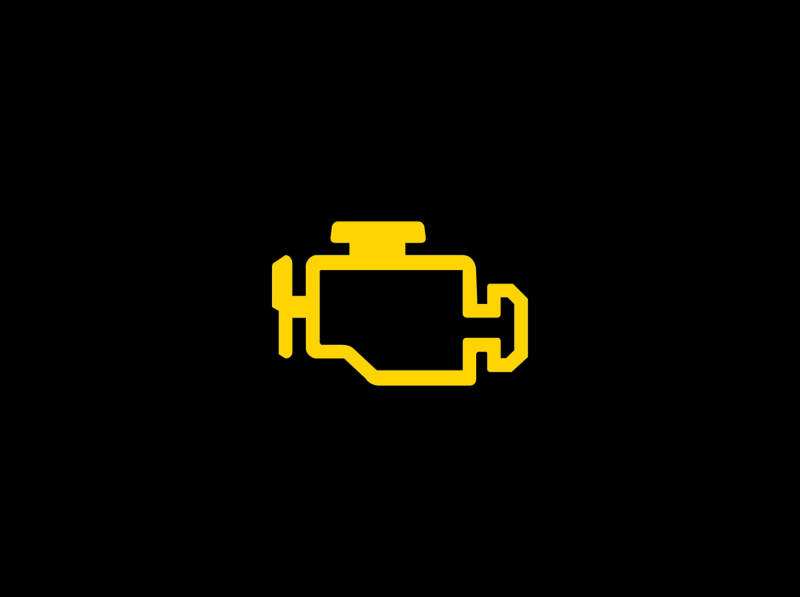
Check engine or emissions warning
Engine outline — engine or emissions-system fault.The engine-shaped warning relates to a detected emissions-control fault. It may appear with reduced performance. A diagnostic scan and the vehicle’s symptoms are needed to establish the cause; the lamp is not a direct diagnosis of a particular sensor.Arrange inspection and follow the accompanying instructions. Flashing, rough running, unusual noises or a strong loss of power require a more urgent response than a steady lamp with normal operation. Reduce load and stop safely when continued operation is unsafe or a stop message appears.
Glow plug and diesel engine-control light
Coil — diesel preheating or engine-management warning.On diesel versions, brief illumination before starting normally indicates preheating. Follow the starting sequence and wait for it to go out when instructed. Temperature and operating conditions affect the normal duration.A flashing coil while driving can indicate a diesel engine-control fault, rather than simply worn glow plugs. A persistent light or an abnormal startup check also needs attention. Record the message and arrange diagnosis, especially when the Karoq enters a reduced-power mode or develops difficult starting.
Particle filter warning
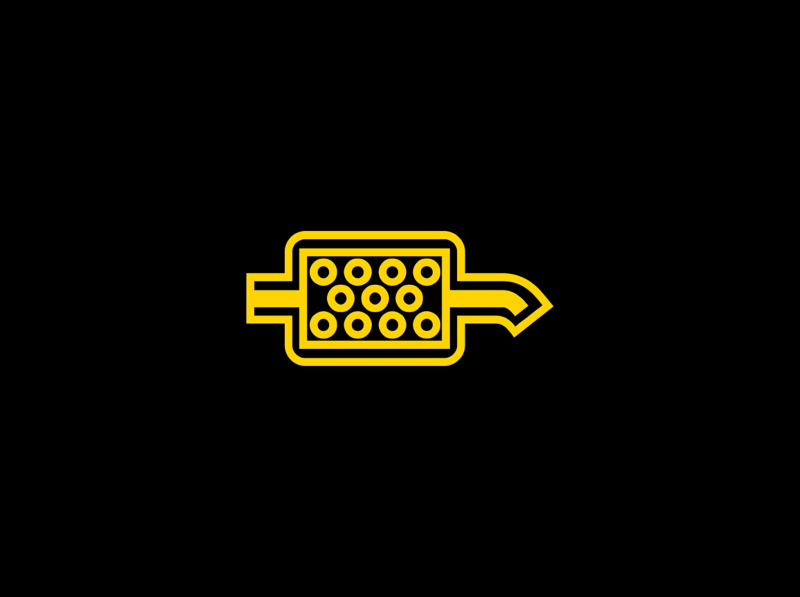
Filter graphic — soot loading requires attention.The particle-filter warning can apply to equipped diesel or petrol versions. It is often called the DPF light on a diesel, but petrol particulate filters also have operating requirements. A regeneration procedure suitable for one engine is not automatically suitable for the other.Read the handbook for the exact engine and follow its cleaning conditions only when traffic and road conditions permit. Do not improvise a high-speed drive or a stationary regeneration. If the warning remains after the specified procedure, or other engine faults appear, arrange workshop assistance.
AdBlue level or system warning
AdBlue indication — diesel exhaust-fluid level or system fault.On diesel models using AdBlue, the display can warn of low fluid or a malfunction in the emissions-treatment system. The message may include the remaining distance before restarting becomes impossible. Act before the countdown reaches zero.Use the correct fluid in the dedicated filler and observe the displayed refill limits. Never pour AdBlue into the diesel tank. A system-fault message may require diagnosis rather than more fluid. After refilling, follow the specific recognition procedure; repeated topping up is not a solution to an unresolved malfunction.
DSG transmission, stability control and tyre pressure
DSG gearbox warning
Gearbox symbol — transmission fault or overheating.An automatic gearbox warning can describe overheating, a restricted operating mode or a more serious transmission fault. Some messages permit cautious continued travel to obtain help; others explicitly require us to stop. Read the full instruction instead of deciding from the symbol alone.For an overheating stop warning, the covered Karoq manual instructs us to stop the vehicle and switch off the engine. Do not continue if the warning fails to clear. Avoid repeatedly forcing gear selection or assuming that every DSG warning is a routine service notice.
ESC and traction-control indicator
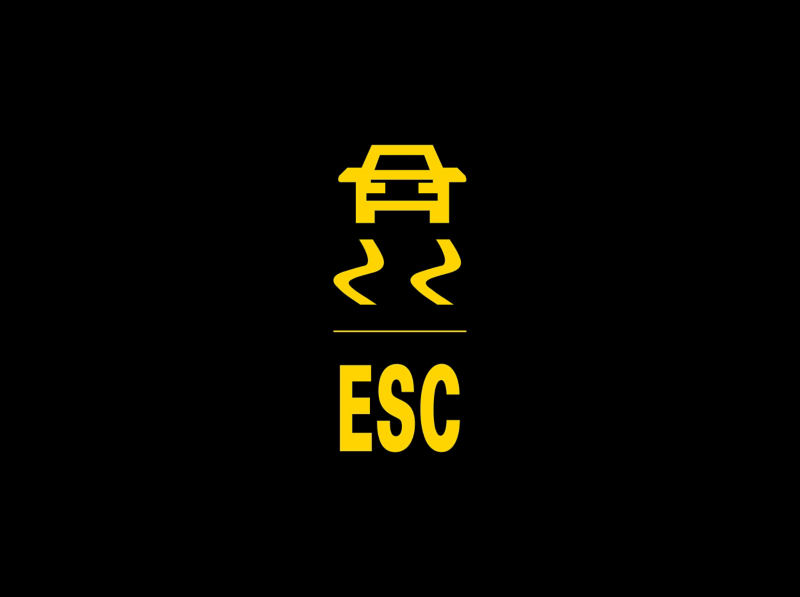
Skidding car — stability intervention or fault.Flashing commonly means the stability or traction-control system is intervening. Ease off the accelerator and adapt speed to the available grip. The light does not mean we should accelerate harder to overcome the system.A steady warning can indicate a malfunction. Check the message and arrange service if it persists. Slippery roads, unsuitable tyres and abrupt inputs still matter: electronic assistance cannot guarantee control. If several warnings appear together, the underlying problem may affect more than one assistance function.
ASR off or restricted stability control
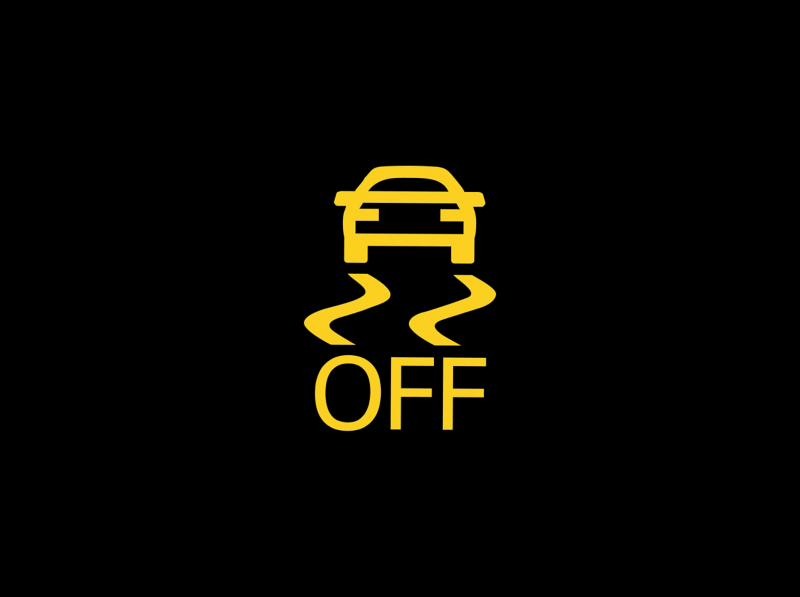
Skidding car with OFF — assistance disabled or modified.This indication can mean traction control has been switched off or that a selected mode modifies stability assistance. Equipped Karoq versions can have settings such as ESC Sport or Offroad. Read the actual mode description rather than assuming the system has failed.Restore the appropriate road setting when the special situation has passed. If a fault remains after returning to normal settings, seek inspection. A deliberate OFF indication and a steady malfunction warning may look related, but they do not describe the same condition.
Tyre pressure loss warning
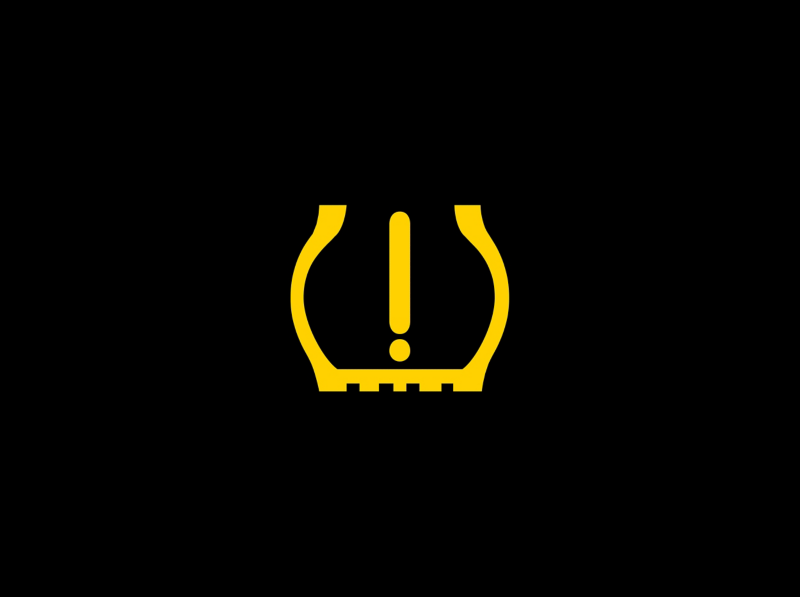
Tyre and exclamation mark — pressure change detected.Reduce speed smoothly, avoid harsh steering and stop safely to check the tyres. Measure pressures with a gauge and inspect for damage. The covered Karoq system detects changes associated with tyre pressure; do not expect every version to show a live pressure reading for each wheel.Use the cold pressures specified for the vehicle and load. Store the correct reference values only after checking and correcting all tyres. Flashing followed by steady illumination can indicate a monitoring fault. Resetting while a tyre is underinflated teaches the system an unsuitable baseline.
Driver-assistance and everyday status indicators
Auto Hold indicator
Brake-holding indicator — the vehicle is being held.Auto Hold can hold the vehicle after it stops when the required conditions are met. Check the indicator to confirm that the car is actually secured; switching the feature on and having it actively hold are not always the same state.Keep control with the brake pedal if the system does not engage or reports a fault. Auto Hold does not replace the correct parking procedure. Before leaving the driver’s seat, secure the vehicle as the handbook requires rather than relying on a brief stop-holding function.
Lane Assist indicator
Lane markings — lane-keeping readiness or intervention.Lane Assist indicators describe whether the system is enabled, ready or intervening. In the covered guidance, an enabled system may be unable to intervene when lane markings are unsuitable. A selected feature is therefore not a promise that assistance is available.Keep hands on the wheel and watch the road. Dirt, ice, glare or poor road markings can limit detection. If a malfunction message remains after conditions improve, arrange inspection. Do not use a lane icon as permission to stop steering or monitoring surrounding traffic.
Cruise control indicator
Speed-control symbol — selected or regulating speed.Cruise-control displays distinguish an enabled system from one actively controlling speed. A stored target speed does not necessarily mean regulation is currently active. Check the indicator and the actual speed before relying on the setting.Adaptive Cruise Control, where fitted, adds distance regulation and its own warnings. If it requests braking or driver intervention, take control promptly. Conventional cruise does not maintain a gap to traffic, and neither system removes our responsibility to choose a safe speed for the conditions.
Automatic start-stop status
A with circular arrow — automatic engine-stop status.A start-stop indication can confirm that the engine has stopped automatically or explain why an automatic stop is unavailable. Battery condition, temperature and heating or cooling demands can affect operation. An unavailable status alone does not prove a defect.Read any instruction requiring a manual restart. If the engine stops unexpectedly without a normal start-stop indication, treat it as a separate problem. Use the proper shutdown procedure before leaving the vehicle or opening the bonnet; an automatic stop is not equivalent to switching the vehicle off.
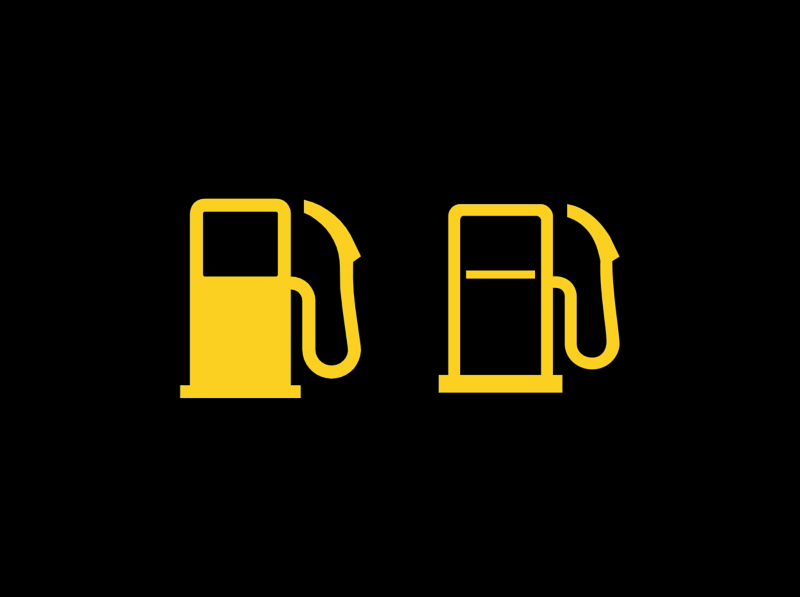
Low fuel warning
Fuel pump — the fuel reserve has been reached.Refuel promptly when the low-fuel indicator appears. The estimated remaining distance depends on driving conditions and should not be treated as a guaranteed range, especially during congestion, climbing or other demanding use.Check that the fuel is suitable for the engine. Do not confuse the ordinary fuel warning with AdBlue: diesel and exhaust fluid have separate tanks and different purposes. If the display instead reports a fuel-system fault, follow that instruction rather than assuming a normal low-level reminder.
Low windscreen washer fluid
Windscreen spray — washer fluid needs topping up.The washer-fluid symbol asks us to refill the reservoir with a suitable product. Choose an appropriate concentration for the weather and follow the product instructions. Plain water can freeze in cold conditions and may not clean effectively.Good visibility becomes especially important on dirty roads or during winter driving. If the reservoir repeatedly empties unusually quickly, inspect for a leak. Do not confuse the washer filler with the coolant reservoir, and avoid continuing a journey when the windscreen cannot be kept clear.
Remote key battery warning
Key-related message — check the remote battery.A low remote-battery warning means we should replace the key’s battery with the specified type and polarity. It is different from a “key not detected” or starting-system fault, although a weak battery can contribute to detection difficulties.If starting is affected, use the emergency recognition procedure in the handbook for that vehicle. Do not assume a generic location applies to every Karoq. A new key battery will not correct all KESSY or immobiliser faults, so persistent messages need further checking.
Lighting symbols and exterior-lamp warnings
Bulb or exterior-light failure
Bulb with warning mark — check the exterior lights.This symbol indicates a lighting fault. The accompanying text may identify the affected lamp. Once safely parked, check the relevant exterior lights and arrange repair. An illuminated headlamp switch does not prove every light is operating.Some faults involve an LED unit or control system rather than a simple replaceable bulb. Use the correct repair procedure and replacement specification. Reduced lighting can affect both our view and how clearly other drivers see the Karoq, particularly at night or in poor weather.
High-beam indicator
Blue headlamp — main beams are on.The blue indicator confirms that the main beams or headlamp flasher are operating. It is a normal status light. Dip the beams when their use could dazzle approaching drivers, vehicles ahead or other road users.If the indicator appears unexpectedly, check the stalk and any automatic lighting setting. Main-beam confirmation differs from the high-beam-assist symbol. A selected automatic feature does not necessarily mean that the main beams are currently illuminated.
High-beam assistance
Headlamp with A — high-beam assistance selected.This symbol relates to the automatic high-beam assistance function where fitted. The system can change beam selection according to detected conditions, but it has limitations. Read its state together with the blue main-beam indicator.Override the system when the lighting choice is inappropriate. Bends, weather, reflections and partially obscured traffic can affect detection. Keeping the camera area clear helps visibility, but it does not remove the driver’s responsibility to avoid dazzling others.
Front fog-light indicator
Fog-lamp symbol — front fog lights are on.The front fog-light indicator confirms that the feature is selected where fitted. It is an operating indication rather than a warning of a mechanical fault. Use fog lighting only when appropriate for the conditions and local requirements.The rear fog-light indicator is separate and normally amber. Do not confuse it with the front-lamp symbol. Turn unnecessary fog lighting off when visibility improves, particularly the rear lamp, which can be distracting to drivers following the vehicle.
Direction indicators and hazard lights
Flashing arrows — direction signals or hazards.The arrows normally flash with the selected turn signal, or together when the hazards operate. Check that the selected direction matches the intended manoeuvre and that the signal cancels afterwards.An unusual flashing rate or an accompanying lamp-failure message calls for an exterior-light check. Trailer-equipped vehicles can have an additional trailer signal indication. Hazards warn other drivers of a problem, but they do not make an unsafe stopping place suitable for inspecting the vehicle.
What about a triangle, snowflake, coffee cup or service message?
A general warning triangle directs us to another message or symbol; it does not identify one particular failed part. A low-temperature indication warns that conditions may favour ice, while a break recommendation asks us to consider fatigue. Neither should be confused with an engine-temperature fault.
A service reminder concerns scheduled maintenance. It differs from an active oil-pressure, EPC or brake warning, even when a spanner-shaped graphic accompanies the reminder. Complete the required maintenance before resetting its interval. Drive-mode names such as Eco, Sport or Offroad normally describe a selected setting, and their availability depends on equipment.
What should we do when several warning lights appear together?
First address the condition that most affects safety. Engine oil pressure, cooling-system problems and abnormal braking take priority over a disabled convenience function. Several lights can appear because one fault makes related systems unavailable, so the display is not a shopping list of parts to replace.
Maintain control and stop safely when the message or symptoms require it.
Record the exact wording, colours and flashing behaviour.
Note whether the issue followed refuelling, tyre work, a battery problem or a repair.
Carry out only checks that are safe and appropriate.
Arrange qualified diagnosis or recovery for unresolved serious warnings.
Avoid clearing diagnostic codes before they are recorded. Disconnecting the battery can remove useful information without repairing the fault. A warning that disappears after restarting can still need investigation, especially when it returns or was accompanied by loss of power, overheating or unusual braking.
Skoda Karoq dashboard symbols are easier to understand when we combine the icon with its message and operating conditions. Separate oil pressure from oil level, a parking-brake status from a brake fault, and diesel preheating from a flashing engine-control warning. Use the correct handbook for the engine and equipment, act promptly on serious warnings and resolve the cause before attempting a reset.
Frequently asked questions
1. What does the EPC light mean on a Skoda Karoq?
It indicates a petrol engine-control fault. Reduced power may accompany it, but the light does not identify one failed component. Arrange diagnosis and stop safely if the vehicle runs badly, becomes unsafe to drive or displays an urgent instruction.
2. Can we drive with an amber Karoq warning light?
It depends on the symbol, message and symptoms. Some amber warnings allow cautious travel for inspection; others require a specific check first. A colour alone is not permission to continue, especially with abnormal braking, severe rough running or additional stop warnings.
3. How do we reset the Karoq tyre pressure warning?
Check all tyres for damage and set the correct cold pressures for the load. Then store the new reference values using the vehicle’s tyre-pressure menu as described in its handbook. Do not reset the system while a puncture or incorrect pressure remains unresolved.
4. Why is the glow plug light flashing while driving?
On a diesel Karoq, flashing can indicate an engine-control fault rather than normal preheating. Read the message and arrange diagnosis. Do not assume that replacing the glow plugs will resolve it, especially when reduced power or other engine warnings are present.
5. Will the Karoq restart when the AdBlue countdown reaches zero?
The covered handbook states that starting is prevented when the remaining AdBlue range reaches zero. Refill before that point, using the correct fluid and specified procedure. A system malfunction can also require workshop attention; adding fluid alone may not resolve it.


 Skoda Karoq Weight KG: Kerb Weight, Gross Weight and Payload Explained























 Ford Everest Dashboard Symbols: Warning Lights and Meanings
Leave a Reply